Table of Contents
ToggleSmart switches are reshaping how homeowners control their lighting and connected devices, and for good reason. Instead of fumbling for light switches in the dark or being stuck with on/off simplicity, a smart switch for home lets you dim lights remotely, set schedules, and integrate with voice assistants. Whether you’re looking to cut energy costs, improve convenience, or build out a whole-home automation system, upgrading to smart switches is one of the most approachable smart home upgrades you can tackle yourself. This guide walks through everything you need to know to choose, install, and get the most from smart switches in 2026.
Key Takeaways
- A smart switch for home enables remote control, dimming, scheduling, and voice assistant integration while working with any existing bulb type, making it one of the most affordable smart home upgrades to install yourself.
- When choosing a smart switch, prioritize dimming capability, neutral wire availability, load capacity, and ecosystem compatibility with your existing Alexa, Google Home, or Matter devices.
- Smart switches can reduce lighting energy consumption by 10–15% annually through automation, motion-sensing, and scheduling, paying for themselves within 2–4 years while enhancing safety and convenience.
- Installation requires basic electrical safety precautions—killing power at the breaker, checking for a neutral wire, and following the manufacturer’s wiring diagram—and takes under an hour for most homes.
- Budget-friendly options ($25–$40) deliver solid performance, mid-range models ($40–$65) offer best value with occupancy sensors and energy analytics, while premium options ($65–$80+) suit large automation ecosystems.
What Are Smart Switches And Why You Need Them
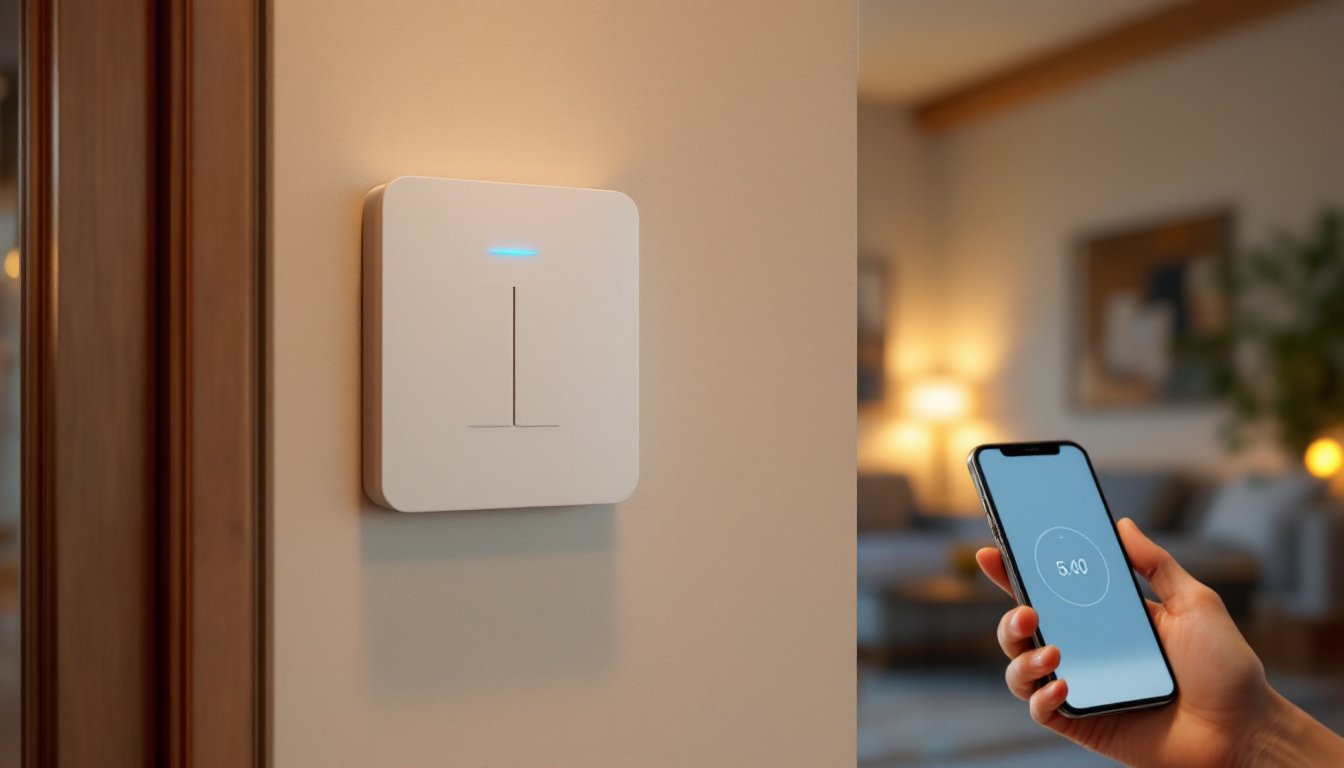
A smart switch replaces your traditional wall switch and connects to your home’s Wi-Fi or a local wireless protocol (like Zigbee or Z-Wave). Instead of just flipping a light on or off, you can control it from your phone, set timers, dim automatically at sunset, or voice-command it through Alexa or Google Home.
Traditional switches are simple, reliable, and dumb, literally. A smart switch adds intelligence: scheduling, remote access, energy monitoring, and integration with other smart home devices. You might set your hallway lights to brighten 30 minutes before sunrise or have your porch light turn on at dusk and off at 11 p.m. Some smart switches also report energy usage, helping you identify which lights eat the most power.
Why install one? Convenience tops the list, no more racing downstairs because you forgot to flip the switch. But there’s more: they reduce phantom loads, enable automation routines that improve safety (lights on when you’re away), and they lay the foundation for a larger smart home system. If you’re starting your smart home journey, smart switches are often cheaper and easier to install than smart bulbs, since they work with any bulb type.
Key Features To Look For When Choosing A Smart Switch
Not all smart switches are equal. Before buying, clarify what matters for your home.
Dimming capability is the first checkpoint. Some smart switches are on/off only: others let you dim from 1–100% brightness. If you’re replacing a dimmer switch, get one that supports dimming. Dimmers also run cooler and last longer than on/off-only switches.
Neutral wire requirement is non-negotiable, check your electrical box first. Older homes sometimes don’t have a neutral wire in switch boxes, which limits your options to newer “no-neutral” switches (pricier but doable). If your box has white wires bundled together, you likely have a neutral.
Load capacity matters if you’re controlling high-wattage devices. Most residential smart switches handle 15–20 amps safely. If you’re running a chandelier with heavy-duty halogens, confirm the switch’s rating.
Physical design varies widely, some look like traditional switches, others are paddle-style or touch-sensitive. Pick what feels right for your home’s aesthetic and your hands’ comfort level.
Price range runs from roughly $25 to $80 per switch depending on features. Entry-level switches offer basic scheduling and app control: premium models add energy reporting, occupancy sensors, and faster response times.
Compatibility And Smart Home Integration
Make sure your smart switch plays nicely with your existing ecosystem. If you’re invested in Alexa, choose a switch that works with Amazon devices. Google Home users should verify Google compatibility. Some switches (like those using the Matter protocol) aim to work across platforms, but verify before buying.
Check whether the switch needs a hub, some connect direct to Wi-Fi, others require a bridge device (a small hub that sits on your router). Hub-based systems are often more reliable and faster to respond than Wi-Fi-only switches, especially if your router is far from the switch.
Also verify app functionality. Does the manufacturer’s app let you create scenes (grouped commands), set automations, and view usage reports? Can you share access with family members? A clunky app defeats the whole purpose. Reading user reviews on compatibility quirks saves headaches later. Sites like Tom’s Guide regularly test smart home devices and highlight integration issues.
Popular Smart Switch Options For Every Budget
The market has grown crowded, but a few standouts remain reliable across years and updates.
Budget tier ($25–$40): Basic Wi-Fi switches from brands like Lutron Caseta and Leviton Decora offer solid app control and voice integration without very costly. They’re straightforward, connect power, set up the app, assign to a room, and they rarely disappoint.
Mid-range ($40–$65): Models with built-in occupancy sensors (auto-on when you enter, auto-off when you leave) and more granular dimming sit here. Philips Hue switches and higher-end Caseta variants give you scene support and better energy analytics.
Premium ($65–$80+): These often include larger LCD displays, built-in temperature/humidity sensing, faster Wi-Fi 6 connectivity, or hub-free Matter support. Overkill for simple lighting but essential if you’re building a large automation ecosystem.
Don’t assume the cheapest option is worst, or the most expensive is best. Popular Mechanics and DIY forums often highlight that mid-range switches deliver the best value-to-features ratio for most homes. Read reviews specific to your lighting setup (single-pole vs. three-way, neutral wire availability, etc.) before committing.
Installation Basics: Preparing Your Home For Smart Switches
Smart switches install like traditional switches, but a few prep steps separate a smooth project from a frustrating afternoon.
Step 1: Kill power at the breaker. Locate the breaker controlling the switch you’re replacing, flip it off, and test the light with the wall switch to confirm power is dead. Use a voltage tester on the wires to be absolutely sure, electricity won’t wait for you to finish an anecdote. Wear safety glasses and work gloves: if you’re uncomfortable with any step, call an electrician.
Step 2: Remove the old switch. Unscrew the cover plate and the two screws anchoring the switch to the box. Gently pull the switch out and disconnect the wires. Note which wire goes where, most switches have a black (hot), white (neutral), and bare copper (ground) wire. Take a photo with your phone if wiring looks unusual.
Step 3: Check for a neutral wire. Look inside the switch box. If you see white wires bundled with a wire nut, that’s your neutral. If the white wire is capped off or simply absent, you’ll need a no-neutral switch (confirm this before you removed the old one).
Step 4: Connect the smart switch. Follow the manufacturer’s wiring diagram precisely, usually black to line (hot), white to neutral, copper to ground. Twist wires firmly, cap with wire nuts, and tuck neatly into the box. Smart switches are bulkier than traditional ones: if the box is cramped, you may need to carefully fold wires or use a deeper cover plate.
Step 5: Secure and test. Screw the switch into the box, replace the cover plate, turn the breaker back on, and test via the wall button first (yes, the button still works). Then set up the app and Wi-Fi connection.
Word of caution: Three-way switches (controlling one light from two locations) need both switches replaced, a common stumbling point. If you’re unsure whether your setup is three-way, trace the wiring or call an electrician for a $100–$150 consultation. It beats ripping out a half-installed switch.
Energy Savings And Smart Home Automation Benefits
The real payoff of smart switches isn’t just convenience, it’s efficiency and peace of mind.
Energy savings come from automation. Lights that turn off automatically in unused rooms, dimming that reduces wattage during the day, and schedules that prevent lights from running all night add up. A household with 20 light fixtures could save 10–15% on lighting energy annually, depending on usage. That’s roughly $15–$30 per year per switch, modest, but it compounds, especially in larger homes.
Smart switches also let you integrate smart home devices into broader automations. Pair a smart switch with motion sensors and a smart thermostat, and you’ve got a lighting-and-climate routine that adapts to occupancy. Leave the house, and everything powers down on cue.
Safety benefits are often overlooked. A smart switch that triggers lights when you arrive home (via geofencing on your phone) deters burglars more effectively than leaving a single lamp on. Schedules that randomly turn lights on/off when you’re away simulate occupancy. For elderly family members, voice-controlled lighting removes the fall risk of navigating dark stairs.
Insights from usage data help you refine habits. Many smart switches display real-time and historical energy consumption through their apps. You might discover that a particular fixture draws far more than expected, prompting a bulb upgrade or hardware swap.
These benefits justify the upfront cost, a smart switch pays for itself within 2–4 years through energy savings alone, with convenience and safety as bonuses. Digital Trends reports that homeowners integrating smart switches into whole-home automation systems see the biggest ROI, as interlinked automations reduce wasted energy more than isolated devices.
Conclusion
A smart switch for home is one of the most practical smart home upgrades you can make. It works with any bulb, installs in under an hour (for most homes), and delivers real convenience and savings without requiring a complete rewiring or professional install in most cases. Start with one switch in a high-traffic area, get comfortable with the app and automations, then expand. Smart home systems grow best incrementally, and smart switches are the solid foundation that every home benefits from having.